Online Learning Support: Technology Integration during the 2020 Pandemic
During the unexpected Online Learning event of 2020, the Technology Integration Team at ISNS worked together to create a support website for teachers, students, and parents.
It went through several revisions, and often served as a starting position for support rather than a end. Here we share an overview, lessons learned, and advice for future projects.
Topics on our Site
Initially, we thought the site would be full of ideas for new Apps and Websites that we love and wanted everyone to use!
Then, as we interviewed and worked with our community, we found that everyone was OVERWHELMED, and needed support on baseline tech. Video conferencing, connection issues, privacy settings - these became our new top topics.
During OLL, these standards changed from being encouraged in the classroom, to being our community’s sole method of communication.
Highlighted on our front page with buttons and colors, we put a focus on ensuring people knew who to contact for help. At the top of the page? A simple “Help Me!” button.
The TI team worked together to evaluate several video conferencing platforms. Lori’s evaluation of Zoom.cn is what we selected for the best student experience.
ISNS used these programs during the school year, and relied upon them during OLL. Our student community absolutely SHINED in that they supported each other on WeChat when problems arose.
We put SeeSaw on overdrive! Parents as teaching assistants, and kids using this tool as their primary go-to for activities.
WeChat, Email, Zoom, Skype: we remained open to all forms of contact, so that any member of our community could get help quickly.
Videos Guides
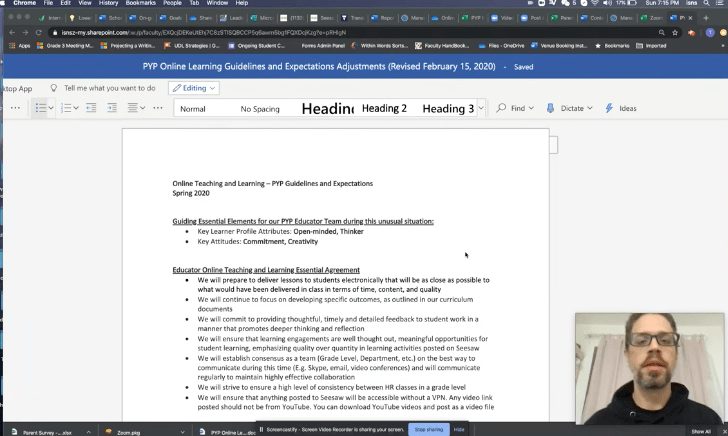
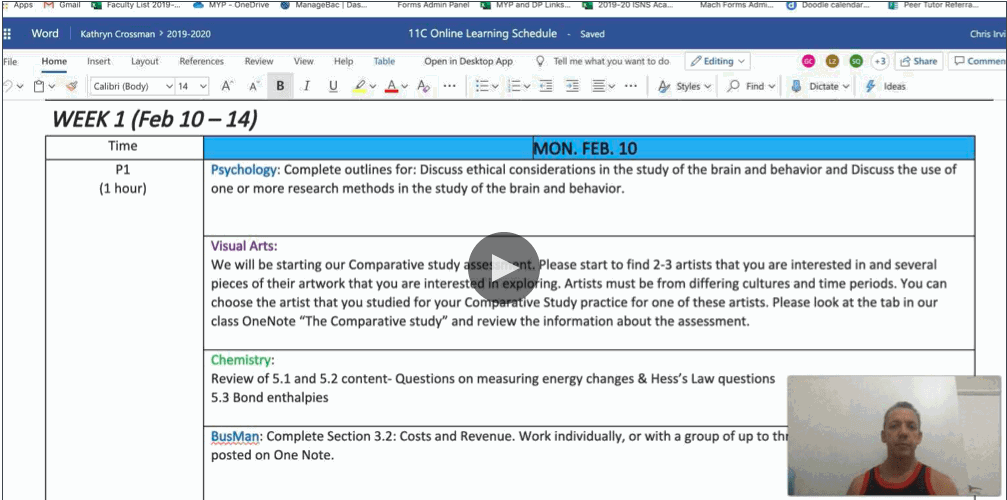
We created visual guides for the most common scenarios. Some that we predicted, some that we responded to mid-day!
We also posted videos that Principals and Supervisors identified as excellent resources to be shared across all staff, bringing everything to one home for our staff.

What the ISNS Community Said
Miss Pearson, You are incredible!!!!!!!!!!!!!!!!!!
Thank you so much for the graduation video! From the bottom of my heart.
It looks just amazing! My eyes got teary when I watched it.
I just love it!
Jennifer, thank you very much for putting together this wonderful video.
Thank you!!! We couldn’t have done this without you!
We’ve been wanting to do this for months! Thank you for taking the time to sit with us.
TI Team Reflection
The TI team worked together during Online Learning to create the ISNS Tech website that would assist all stakeholders in basic technology troubleshooting issues. Sections were created for teachers, parents, and students to be able to locate the information they need quickly. James and I created instructional videos on the most common technology troubleshooting areas and posted them to the ISNS Tech website. We often collaborated by WeChat on the content of the website. The most important collaboration that our team does is troubleshooting collaboration. Our team discusses on a daily basis how to solve tech issues and resolve problems that we need help with.
Our team has also collaborated a great deal on how to move ISNS TI department forward through new innovations and better practices. We have taken stock of systems and tried to find ways to improve things when we could. We have discussed Acceptable Use Policy and how to implement better practices throughout the school. Our first year has been full of collaboration as a new team at a new school and we’ve grown to understand how to work together through difficulties.
Jennifer Pearson
Custom Graphics and Written Guides for Teachers
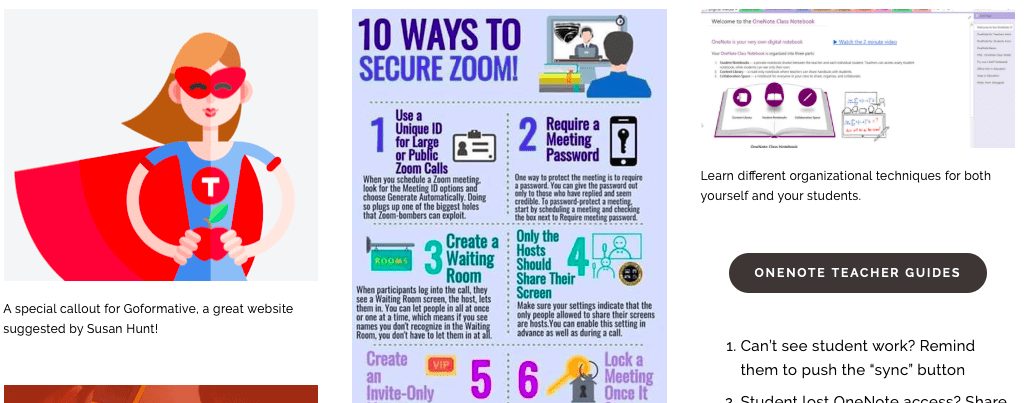
Though much of our support was live, we also created guides and curated graphics for a website that teachers could reference when needed.
Together we shared out to the ISNS leadership team to determine the best conferencing software for our students, and then broke out as individuals to inform our teams about the Learning Management software best for different situations. ManageBac, SeeSaw, and OneNote were supported by Lori, Jennifer, and James separately to give teacher’s the best software for their situation.
In addition to selecting apps and training teachers, students, and sometimes parents, we also occasionally helped with custom lesson plans that integrated these technologies.